The three buttons every local business site needs
People don't read websites, they use them. Three uses cover almost every visit to a local business site, and each button takes under an hour to set up properly.

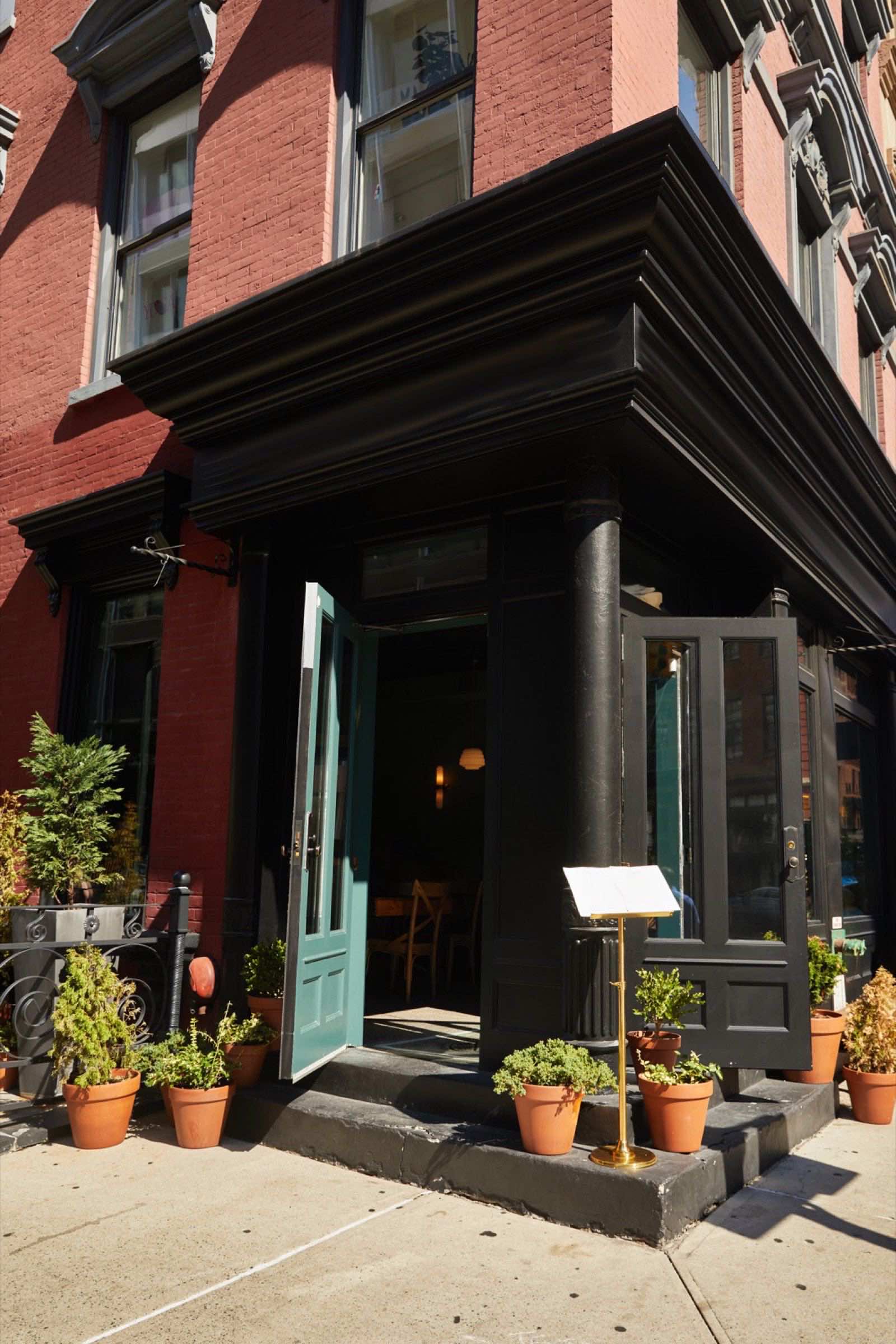
People don't read websites, they use them. Watch anyone open a dental office's site on a phone and you'll see it: they aren't admiring the design, they're looking for a way to call, a way to book, or a way to get there. Those three uses cover almost every visit a local business gets. If those three things work in one tap, the site is doing its job. If any of them takes three taps, or doesn't work at all, you're losing customers you never knew you had, because nobody phones to tell you the button was broken.
This guide shows you how to set up each button properly, where to put them, how to test them, and what a working booking button is worth in dollars. None of it needs a developer. If you have a web person, you can hand them the exact wording below. If you do it yourself, each button takes less than an hour.
Button one: a phone number that dials
A phone number written as plain text on a phone screen is a tiny act of cruelty. The customer has to memorize it, close the browser, open the phone app, type it, and hope they got it right. Half of them don't bother. The fix is a "tel link," which just means the number is a link that opens the dialer when tapped.
Here's exactly what it looks like in the code of a site, so you can send it to whoever manages yours:
<a href="tel:+13475597878">(347) 559-7878</a>
The part after tel: is your number with the country code and no spaces, dashes, or parentheses. The part between the tags is what people see, so write it the way you'd write it on a business card. If you use a site builder, you don't need to touch code: select the text of your number, click the link button (it usually looks like a chain), and in the address box type tel:+1 followed by your ten digits with nothing else.
Do this for every place the number appears, not just one. At minimum:
- The top of every page, next to your logo, so it's visible before anyone scrolls.
- The bottom of every page, where people land after reading.
- The contact page, in large text.
Then test it. Open your site on your own phone, over cell data rather than wifi, tap the number, and confirm the dialer opens with the right number filled in. Then have someone else do the same on a different kind of phone, because iPhone and Android don't always behave the same. If you have a landline that isn't answered after 6pm, think about where calls go after hours. A number that rings out to nobody is only slightly better than no number at all. That's the gap a Call Bot is built to cover, but even a simple voicemail greeting that says "text us at this number or book online at our site" beats silence.
Button two: booking that works at 11pm
People decide to book at odd hours. They're lying in bed, they remember their hair is a mess, they open your site. Calling feels wrong at 11pm, so if there's no way to book right then, they tell themselves they'll call tomorrow. Many never do. A booking button catches that customer while the decision is warm.
You don't need expensive software. A free scheduling tool is enough for most single-location businesses. Here's the setup, step by step. We use Calendly for our own bookings, and the steps are nearly the same in any of the free tools:
- Go to the scheduling tool's website and click Sign up. Use your business email, not a personal one, so the account stays with the business.
- Connect your calendar when it asks. This is the step people skip, and it's the one that stops double bookings, because the tool then sees when you're already busy.
- Click New event type (the wording varies slightly) and pick the one-on-one option.
- Name it the way a customer would say it. Type "Haircut (30 min)", not "Appointment." A dentist might type "New patient exam (60 min)" and "Cleaning (45 min)" as two separate event types. A mechanic might type "Drop-off for diagnosis."
- Set the length, then set your available hours. Be honest here: if you don't want bookings in the last half hour before closing, don't offer them.
- Under the questions section, add one required field: "Phone number, in case we need to reach you." Don't add more than two questions. Every extra field loses people.
- Save it, then click Copy link. That link is your booking button.
- On your site, make a button that says Book now (or "Book a table," "Schedule service," whatever fits) and paste that link as the address. Put it in the header on every page and again at the end of every page.
Restaurants: your "book" button is a reservation or an order link, and it should go to the page where the customer finishes the action, not to a page that describes it. Shops without appointments: use a Message us button that opens a text or a short form instead. The rule is the same: one tap starts the action the customer came for.
A booking button catches the customer while the decision is still warm.
Button three: directions in one tap
Nobody reads an address and pictures where it is. They tap it and expect a map. Your address should open the map app on their phone with your business already pinned. Here's how to get that link:
- Open Google Maps on a computer and search for your business by name. If your Google Business Profile is set up, your pin appears with your name, hours, and photos.
- Click Share in the panel on the left, then Copy link.
- On your site, select the address text and make it a link with that address. On a phone, tapping it opens Google Maps or offers to. iPhone users who prefer Apple Maps can still use it.
Keep the address written out in full next to the link as well, with the cross street if people in your neighborhood give directions that way. Ours is 509 Brighton Beach Ave, and on the site that line is a link. If parking is tricky or your entrance is around the corner, add one sentence under the address. That sentence saves you five phone calls a week.
Where the buttons live on the page
Three good buttons hidden in the wrong place still lose customers. On a phone screen, put a bar along the bottom that holds all three: Call, Book, Directions. It stays put while the person scrolls, so whatever they're reading, the action is one thumb away. Most site builders offer a sticky bar or a floating button; if yours doesn't, this is a fifteen-minute job for whoever manages the site, and you can tell them exactly what you want: "a fixed bottom bar on mobile with three buttons, call, book, and directions, each one a tap."
On a laptop screen, the same three go in the header on the right, where every site puts them, so people don't have to hunt. Then repeat "Book now" and the phone number at the end of every page, because someone who scrolled to the bottom is someone who's interested.
Give the buttons plain words. "Call (347) 559-7878" beats "Contact." "Book a haircut" beats "Get started." "Directions" beats "Find us." The person is scanning, not reading, and plain words are found faster. Our guide on the first three seconds goes deeper on what people actually see when they land.
A worked example: what an after-hours booking button is worth
Let's put numbers on it, with a hypothetical dental office. Suppose the site gets about 20 visits a week and a quarter of those come after closing, so 5 visitors a week are looking at the site when nobody can answer the phone. Suppose half of those would book if they could and the other half were just browsing. That's 2 or 3 bookings a week that a booking button would catch. Call it 2 to stay conservative.
At $35 a haircut, 2 extra bookings a week is $70 a week. Over a year, $70 × 52 = $3,640. The free scheduling link costs $0. Even if the real number is half of that estimate, it's $1,820 a year from a button that took an hour to set up.
Now the dentist version. Suppose 1 new-patient exam a week comes through the booking button that would otherwise have been "I'll call tomorrow." If a new patient is worth, say, $200 in the first visit alone, that's $200 × 52 = $10,400 a year, before any follow-up work. Your numbers will differ. Plug in your own price and your own guess at after-hours visitors, and the answer is almost always the same: the booking button pays for itself the first week.
If you'd like the site to answer questions at 11pm as well as take bookings, that's what a Website Bot does. We price it after we talk, because what it has to answer is different in every business. But start with the free button. It does most of the work.
The test: hand your phone to someone over 60
Every owner thinks their site is easy to use, because they built it or paid for it and they know where everything is. The only honest test is a stranger. Here's how to run it in five minutes.
Find someone over 60 who's never seen your site. A relative, a regular, the person next to you at the counter. Hand them your phone with the site open. Then say exactly this and nothing else:
"Pretend you want to book an appointment with us for Thursday. Go ahead. I'm not going to help."
Then watch, and keep your mouth shut. Don't point. Don't say "it's at the top." Every place they hesitate, scroll back up, squint, or tap something that doesn't respond is a place where you're losing money every day. When they're done, ask two more things: "Now call us," and "Now get directions to the shop." Write down what happened at each step.
If all three took one tap, you're done. If not, you have your list. This is exactly what we fix when we build a site, and the fix is not complicated. It just has to be done with care, and then tested the same way.
Watch the stranger. Don't help. Every hesitation is money.
Common mistakes
- The number is an image or plain text. It looks fine on a laptop and does nothing on a phone. Fix: make every phone number a tel link, and test it by tapping on your own phone.
- "Book now" goes to a page about booking. The customer taps, reads a paragraph about how to book, and gives up. Fix: the button goes straight to the calendar, the reservation form, or the order page.
- The booking form asks ten questions. Date of birth, how they heard about you, insurance number, all before they've booked anything. Fix: name, phone, and the service. Collect the rest when they arrive.
- The calendar isn't connected. Two customers book the same slot, one gets turned away, and the review writes itself. Fix: connect the scheduling tool to the calendar you actually use, and check the first few bookings by hand.
- The address is text with no map link. Fix: paste the Google Maps share link onto the address.
- Buttons that only exist on the home page. Someone lands on your services page from Google and finds no way to book. Fix: the three buttons appear on every page, top and bottom.
Your three-button checklist
- Every phone number on the site opens the dialer when tapped.
- Booking goes straight to the calendar or form, and it works after hours.
- The booking tool is connected to my real calendar.
- The booking form asks for no more than three things.
- The address opens a map with my business pinned.
- All three buttons appear on every page, in the header and at the bottom.
- On a phone, the three buttons sit in a bar that stays put while scrolling.
- Someone over 60 completed all three tasks without my help.
- I tested every button over cell data, not wifi.
The rest of the free website checklist covers photos, hours, and speed, but if you fix only these three buttons this week, you've fixed the part that brings in money.
Questions owners ask
I'm a restaurant. Do I really need a booking button? You need whatever your customer's main action is. For a sit-down place, that's a reservation link. For takeout, it's the order link. For a counter-service spot with no reservations, it's the menu and the phone number, and the menu page should be a real page, not a photo of a printed menu. Our guide on menus explains why.
What if I don't want online booking because people no-show? Ask for a phone number in the booking form and send an automatic reminder the day before; most scheduling tools do that for free. No-shows drop a lot with one reminder. And compare it with the alternative: the person who couldn't book at 11pm and never called back is a guaranteed no-show.
Can the booking button send bookings to my phone? Yes. Every scheduling tool emails you, and most can text you as well. Turn both on for the first month so you can see it working, then keep whichever you actually look at.
I have a web person. What exactly do I tell them? Send them this: "Please make every phone number a tel link, add a Book now button that goes straight to this link [paste your scheduling link], make the address a Google Maps link, and put all three in a fixed bottom bar on mobile and in the header on desktop." That's the whole job.
Will you set this up for me? It's included in every site we build, and if you're on a monthly plan, changing a booking link or a phone number counts as one change. Or use this guide and do it yourself tonight; it works either way.
- Every phone number on the site must open the dialer when tapped; plain text numbers lose half the callers.
- A free scheduling link catches the customer who decides to book at 11pm and would never call back.
- The address should open a map with your business pinned, in one tap.
- All three buttons belong on every page: a fixed bottom bar on phones, the header on laptops.
- Two extra $35 bookings a week from an after-hours button is about $3,640 a year, for a free tool.
- Hand your phone to someone over 60, say 'book an appointment,' and don't help. Every hesitation is money.
- A booking form should ask for three things at most; every extra field loses people.
Want this handled for you? The first call is free, 15 minutes, and useful even if you never hire us.
Book a free website checkFounder of RamGrows Studio on Brighton Beach Avenue. Grows local businesses with AI doing the slow part and people doing the judgment. Everything here is what we say on the phone, written down.


