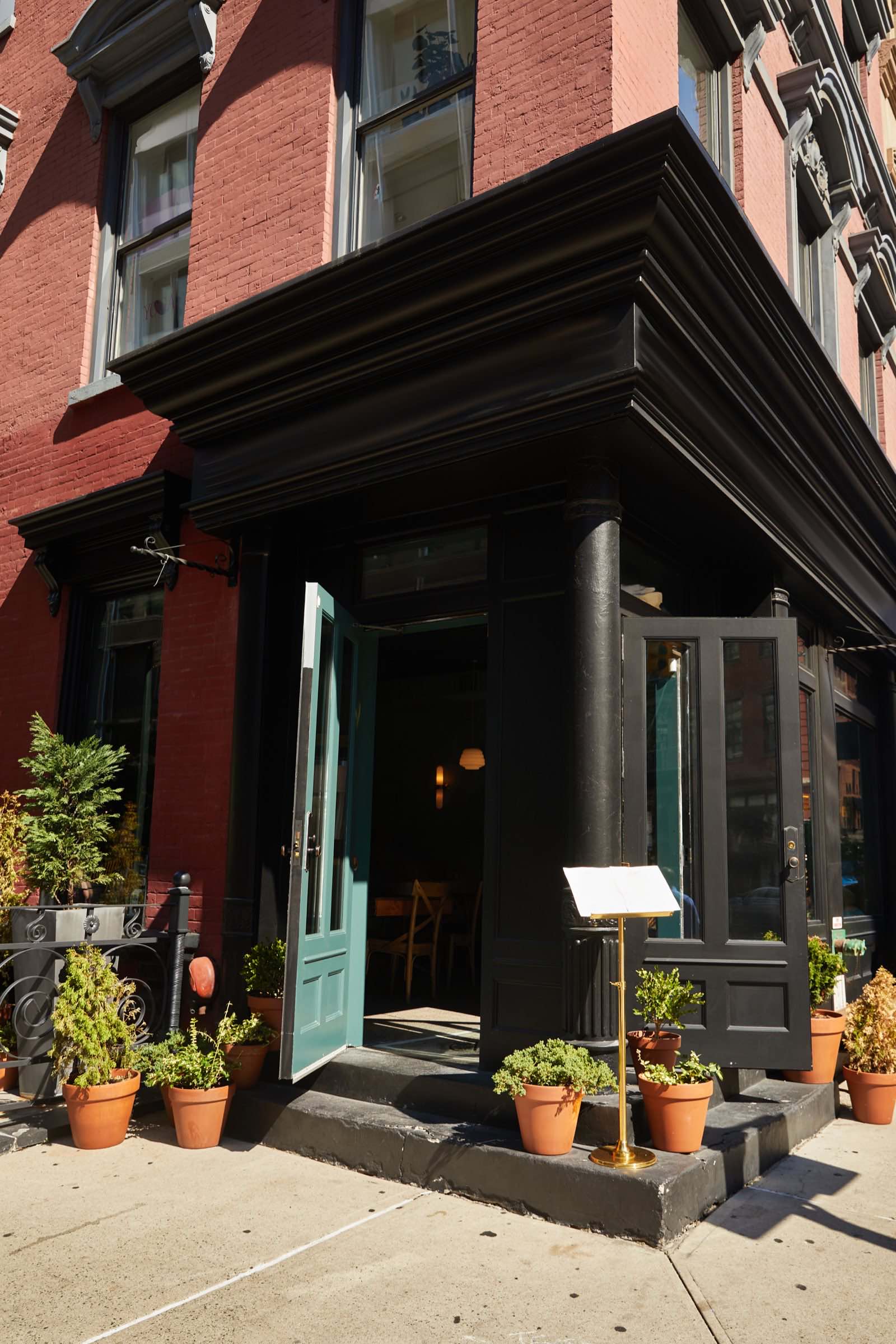
Your menu is your best salesman. Put it online.
People decide where to eat at home, on a phone, between three tabs. Here's how to build a menu page that wins that decision, and how to keep it accurate after you change a price on a Tuesday.


Nobody walks in and asks what you serve anymore. They decide at home, on a phone, between three tabs, and the decision takes about a minute. One tab is your place. The other two are the places next door. Whoever shows a menu they can read, with prices, wins the table. If your menu is a photo of a paper menu, or a PDF, or "call for details," you were never in the running. This article is the full fix: what a menu page needs, how to build it step by step, what it's worth in dollars, and the routine that keeps it accurate after you change a price on a Tuesday.
Why a PDF is not an online menu
Do this test before you read further. Open your website on your own phone, using cell data and not the restaurant wifi, and try to find out what a chicken dish costs. Count the seconds and count the pinches. A PDF of your paper menu usually takes ten seconds to load, opens sideways, and needs two-finger zoom to read a single line. A photo of the menu is worse: it's blurry, it's dark, and the prices are the smallest text on it. On a phone, both are the same as nothing, because the customer gives up and taps the next tab.
An online menu is a page. Not a file, a page. It loads like the rest of the site, it's real text you can read without zooming, it's grouped the way you group the paper menu, and every item has a price next to it. Real text also matters for Google: when your dishes are written as words on a page, Google can read them, and someone searching for "khachapuri Brighton Beach" or "fish tacos near me" can find you. Words trapped inside a PDF or an image are invisible to that search.
There's one more reason. A page can be updated in minutes. A PDF has to be re-exported, re-uploaded, and re-linked every time you raise a price by a dollar, which is exactly why most PDF menus online are two years old.
Build the menu page, step by step
You don't need a designer to get the content right. You need one hour, your paper menu, and the notes app on your phone. Do it in this order.
- Open a new note and type the section names first. Use the same sections as your paper menu: Appetizers, Soups, Mains, Sides, Desserts, Drinks. If you have a lunch menu and a dinner menu, make two notes. Don't invent new sections for the web; people who've eaten with you already know your layout.
- Under each section, type one line per dish in this exact shape: dish name, then a short description of no more than twelve words, then the price. For example: "Grilled branzino. Whole fish, lemon, herbs, roasted potatoes. $28." The description is for the person who's never been in; the price is for everyone.
- Mark what needs a label. Put (V) for vegetarian, (GF) for gluten free, (spicy) where it's true. Put "market price" only on items that genuinely change daily, like whole fish. If you put "market price" on everything, people read it as "expensive."
- Mark your three best sellers with a star. These are the dishes that get photos and the top spot in their section. If you're not sure which three, ask whoever runs your register; they know.
- Type your hours and how to order at the bottom. "Open Tuesday to Sunday, 11am to 10pm. Call (your number) for pickup. Delivery through (whichever apps you use)." If you don't do delivery, say so; a clear no beats a silent maybe.
- Read the whole note out loud once. Anything you stumble on, a customer stumbles on. Fix it, then send the note to whoever builds your site. If we're building it, this is the note we turn into the page, and we'll write the descriptions with you if you'd rather not.
Once the page is live, connect it to your Google listing so people searching for you see it before they even reach your site. Open the Google Business Profile app, or search your business name on Google while signed in, and tap Edit profile. Scroll to the Menu section, tap Add menu link, and paste the address of your menu page (it'll look like yourrestaurant.com/menu). Save. There's also an option to type dishes and prices directly into Google; do that for your top ten items if you have twenty minutes, because those show up right inside the search result, before anyone taps anything.
An online menu is a page, not a file.
Prices included, always
Every restaurant owner has had the same argument in their head: "If I show prices, I'll scare people off." Turn it around. The customer at home already has a budget in mind. If your menu shows $18 mains and their budget is $18, they come to you. If your menu shows nothing, they don't call to ask, because nobody calls to ask anymore. They pick the place that told them. Hiding prices doesn't keep the budget-conscious customer; it loses the customer who would have happily paid your price if they'd known what it was.
There's a second cost to hiding prices, and it lands on your staff. Every phone call that starts with "how much is the..." is a minute your host spends not seating people. Ten of those calls a night is a wasted hour of labor a week, every week. Prices on the page answer the question before it's asked.
Here's the arithmetic, using numbers you can swap for your own. Say your average check is $32 per person and a typical table is two people, so a table is worth about $64. Say that a readable menu with prices wins you just three extra tables a week that would otherwise have picked the next tab. That's 3 x $64 = $192 a week, or roughly $192 x 52 = $9,984 a year. Compare that with the cost of keeping the page true: a Basic monthly plan is $25 a month, or $300 a year, and it includes five changes a month, which is more menu edits than most kitchens make. Even if you think three tables a week is optimistic and cut it to one, that's $3,328 a year against $300. Change the check size to your own and the answer barely moves.
Three photos, not forty
Don't photograph the whole menu. Forty phone photos of forty plates make a page slow and make every dish look average. Photograph the three starred best sellers and put each photo next to its dish. That's what people screenshot and send to the friend they're eating with.
You don't need a photographer. You need daylight and five minutes. Shoot between 10am and 2pm, at the table closest to the window, with the overhead lights off so the color is true. Wipe the rim of the plate. Hold the phone at about a 45-degree angle to the plate, not straight down and not from eye level, and tap the screen on the food so it focuses there. Don't use flash; it makes food look grey and wet. Take five shots of each dish and keep the best one. If the plate looks great in the photo but it's not what actually comes out of the kitchen, don't use it; the first customer who orders it will notice, and that's the review you'll get.
When we build a site, we come to the restaurant and take these photos ourselves, in your light, at your tables. It's included, because a menu page with stock food photos is a menu for a different restaurant. There's more on why real photos win in real photos beat stock photos.
Keep it current: the weekly five minutes
An out-of-date menu online is worse than no menu at all. Someone plans dinner around a dish you dropped last spring, arrives, and the first thing that happens at your table is an apology. Or they see $14 online and $17 on the paper menu and feel tricked, even though the only crime is that nobody updated a page. The site is a promise. Keep it true.
The routine is small. Every Monday, before the week starts, whoever changes the paper menu opens the website menu on their phone and reads down it once, checking three things: is every dish still on it, is every price still right, are the hours still right. That takes five minutes. Anything that's wrong goes into a single text message to whoever maintains the site. Under a monthly plan, that text is the whole process; the change is made the same week, and on the Premium plan it's the same day.
Build the habit into the moment prices change, not into a calendar reminder you'll ignore. The rule for the kitchen is: the day the paper menu changes, the web menu changes. Same day, same person, same text. Write it on the whiteboard next to the prep list if that's what it takes.
The day the paper menu changes, the web menu changes.
Common mistakes
- Uploading the paper menu as a PDF or photo. Unreadable on a phone, invisible to Google, and always out of date. Fix: type it out using the note format above and make it a real page.
- Leaving prices off "so people call." They don't call; they go next door. Fix: put a price on every line, and use "market price" only where the price really changes daily.
- Using stock photos of food you don't serve. The first plate that arrives looking different becomes a review. Fix: three real photos of three real best sellers, shot by the window.
- Photographing every dish. Forty photos make the page slow and make nothing stand out. Fix: star your top three, photograph those, and let the rest be text.
- Writing descriptions for a food magazine. "A symphony of seasonal flavors" tells nobody what's on the plate. Fix: list the ingredients in twelve words or fewer. "Lamb, eggplant, tomato, rice" sells better than poetry.
- Forgetting the menu on the delivery apps and Google. The website says $17, the app says $14, Google says $15. Fix: when a price changes, change it in all three the same day, and keep a short list of every place your menu appears so nothing gets missed.
What to say
Most of the menu page lives or dies on three short conversations. Here's the wording for each.
To the person who knows your best sellers (the host, the head server, whoever runs the register): "If you had to pick the three dishes people ask about most, or send back least, what are they? And which three questions do you get on the phone about the menu every single night?" The first answer picks your photos. The second answer tells you what's missing from the page; if people keep asking whether you have parking, or whether the soup is vegetarian, that goes on the menu page too.
To whoever maintains the website, when something changes. Keep it to one text, always in the same shape: "Menu change. Remove: beef stroganoff. Add under Mains: chicken tabaka, half chicken, garlic, herbs, $22. Price change: khachapuri from $14 to $16. Thanks." Three headings, remove, add, price change, every time. Anyone can act on that in five minutes without a phone call. Under our monthly plans, that message is the entire job on your side.
To the customer who noticed a mismatch, because it'll happen at least once: "You're right, thank you for telling me, the website was behind. I'll honor the price you saw tonight and fix it tomorrow." Then actually fix it tomorrow. A mismatch handled that way earns you a regular; a mismatch argued over earns you a one-star review.
Your menu page checklist
- The menu is a real page on the site, not a PDF and not a photo.
- I can read every price on my own phone, on cell data, without zooming.
- Every item has a price, and "market price" appears only where it's true.
- Sections match the paper menu and the three best sellers sit at the top of their sections.
- Three real photos, taken in the restaurant, sit next to the three best sellers.
- Descriptions are twelve words or fewer and list what's actually on the plate.
- Dietary labels (V, GF, spicy) are marked where they apply.
- Hours and how to order are at the bottom of the menu page, with a tappable phone number.
- The menu link is added to my Google Business Profile under Edit profile, Menu.
- One named person checks the web menu every Monday and texts changes the same day the paper menu changes.
- I keep a list of every place my menu appears (site, Google, delivery apps) and update all of them together.
If you're starting from scratch, a menu page is part of every site we build: we visit, shoot the plates, write the descriptions with you, and put it live in 2 to 4 weeks, in up to five languages so the family ordering in Russian or Spanish reads the same prices as everyone else. See what's included, or tell us about your restaurant.
Questions owners ask
My menu changes every week. Won't that be expensive to keep online? Not if the change is a text message. A Basic monthly plan includes five changes a month for $25; Growth includes twelve for $45. A weekly specials update counts as one change a week, so it fits inside Basic. If you'd rather not send anything, keep the daily specials on a chalkboard and Instagram and put only the permanent menu on the site.
Do I need to put the menu in five languages? If your neighborhood orders in more than one language, yes, and it's included in the sites we build. A family reading your menu in their own language trusts you before they've called. Dish names stay as you say them; only the descriptions and section headings get translated.
Should I link to the delivery app instead of building my own menu page? Link to the app for delivery, but keep your own menu page for everyone else. The app shows delivery prices, which are usually higher, and it shows your competitors on the same screen. Your own page shows your prices and only you.
Can I just post the menu on Instagram? Post it there too, but Instagram photos can't be searched by dish name, don't show up on Google, and scroll out of sight in a week. The website page is the one that's still there in six months when someone searches your name.
What if a dish sells out? Don't touch the website for a one-night sellout; a note on the door and a quick word from the server covers it. Remove it online only if it's off the menu for more than a week.
- A PDF or a photo of your paper menu is unreadable on a phone and invisible to Google; the menu has to be a real page with real text.
- Type the menu in your notes app first: section, dish, twelve-word description, price. That note becomes the page.
- Show every price. Hiding prices doesn't make people call; it sends them to the place next door that told them.
- Photograph three best sellers by the window in daylight, not forty dishes under the kitchen lights.
- Three extra tables a week at a $64 average table is close to $10,000 a year, against $300 a year to keep the page true.
- Link the menu page from your Google Business Profile under Edit profile, Menu.
- The rule for the kitchen: the day the paper menu changes, the web menu changes, in one text message.
Want this handled for you? The first call is free, 15 minutes, and useful even if you never hire us.
Book a free website checkFounder of RamGrows Studio on Brighton Beach Avenue. Grows local businesses with AI doing the slow part and people doing the judgment. Everything here is what we say on the phone, written down.